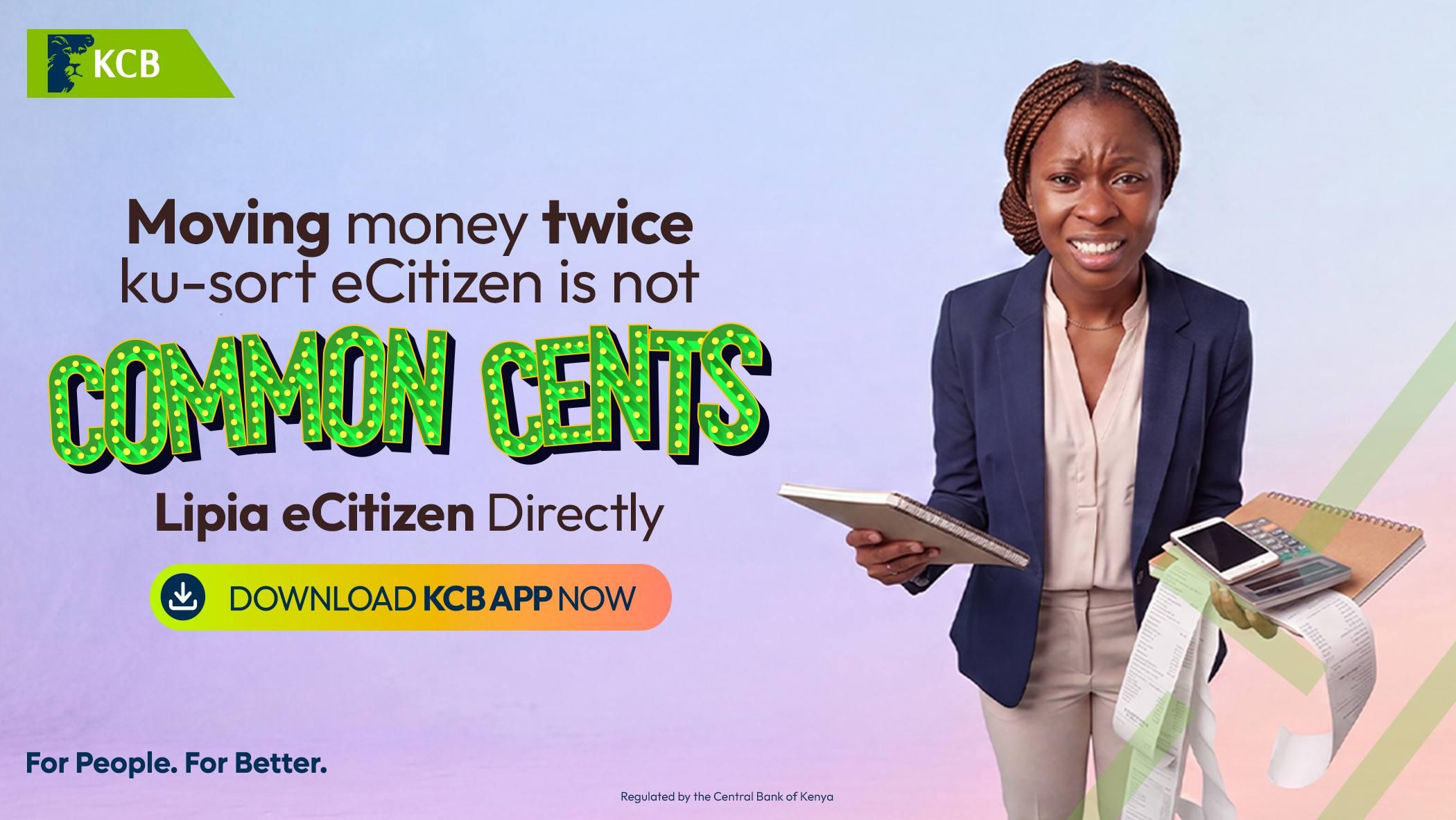
Kenyans can pay for government services on the eCitizen platform directly through the KCB Mobile App without first transferring money from their bank accounts to mobile money.
The payment option allows customers to settle eCitizen invoices using funds held in their KCB accounts, eliminating the need to move money between different payment platforms.
Whether applying for a passport, renewing a driving licence, accessing National Transport and Safety Authority (NTSA) services, replacing a national identity card or registering a business, customers can use the KCB App to pay their government service fees.
ALSO READ
Here is a step-by-step guide on how to complete the payment.
What You Need Before Making an eCitizen Payment
Before starting the transaction, ensure you have:
An active eCitizen account with an invoice or payment reference number already generated.
The KCB Mobile App installed on your smartphone.
Sufficient funds in your KCB account to cover the service fee.
How to Pay eCitizen Fees Using the KCB Mobile App
Follow these steps to pay your government service invoice:
Log in to your eCitizen account and select the government service you want.
Complete the required steps and generate your payment invoice.
Note down the payment reference or bill number displayed on the invoice.
Open the KCB Mobile App and log in.
Select Pay Your Bills.
Choose eCitizen / Government Services.
Enter your eCitizen invoice or payment reference number.
Confirm that the amount displayed matches the invoice generated on eCitizen.
Authorise the payment using your PIN.
After completing the transaction, keep the confirmation SMS for your records. Your eCitizen account should update to show that the payment has been received.
Government Services You Can Pay for Through eCitizen
The eCitizen platform provides access to a wide range of government services. Some of the common services for which Kenyans make payments include:
Passport applications: Payments relating to passport applications and processing.
National identity services: Payments for services such as national ID replacement.
NTSA services: Payments for driving licences and logbook transfers.
Business services: Business registration and permit-related payments.
Land and court services: Payments for various land-related and judicial services.
Ministry services: Payments for services provided through different government ministries.
Customers should generate the relevant invoice on eCitizen before proceeding to make payment through the KCB App.
Avoid Moving Money Twice When Paying Government Fees
The direct payment option provides KCB customers with another way to settle government service fees without first transferring funds to mobile money.
By using the invoice reference generated on eCitizen, customers can complete their payments through the KCB Mobile App and retain their transaction confirmation for reference.
The service offers a convenient alternative for Kenyans who regularly use the eCitizen platform to access government services.